Notifications in Your Dashboard, Safety Hints for First Contacts, and a Help Form
A month ago a request learned to name several parts. This month was about everything that happens after you file it: offers coming in, strangers writing to you, and the moment you no longer need the part.
Here is everything that is new.
All Your Notifications in One Place
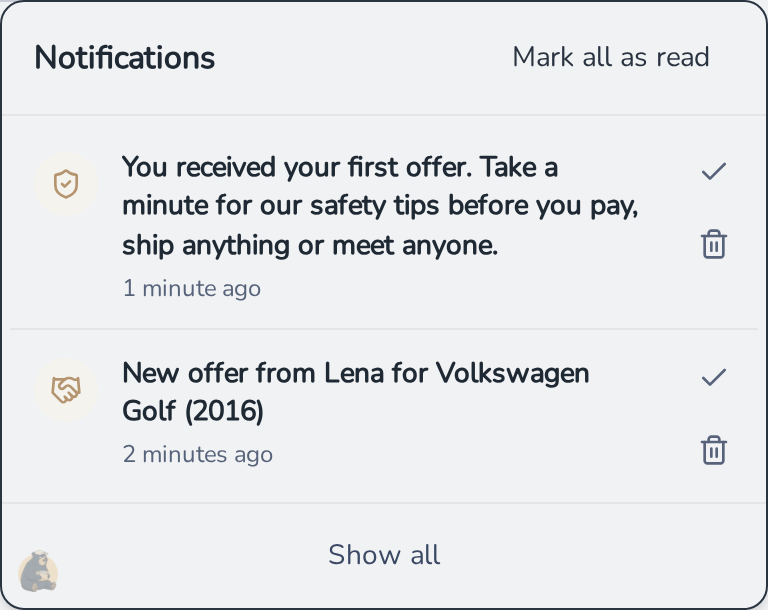
Your dashboard now has a bell. New messages, offers and finished AI reports land there, together with every step of a deal: an offer accepted or declined, a payment confirmed, a part shipped or received, a cancellation requested.
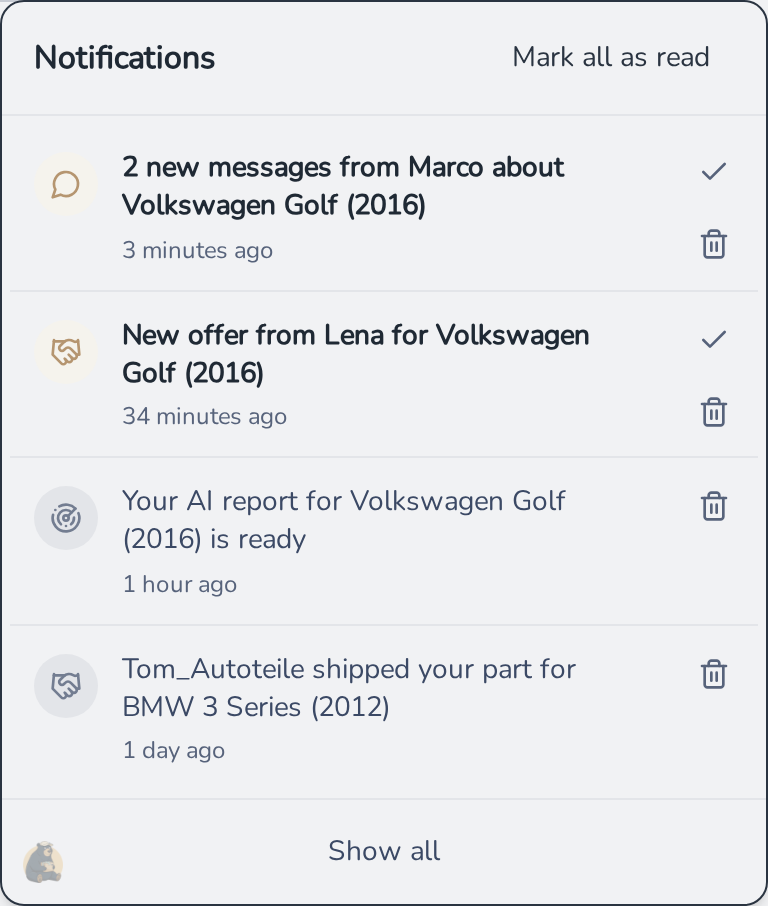
Unread entries are marked, a click takes you straight to the chat or the report, and Mark all as read clears the list when you have seen enough. Several messages from the same chat are grouped into one entry instead of piling up.
Fewer Mails About Messages You Already Read
Chat mails used to go out right after a message arrived. In a lively conversation that meant a mail for almost every reply, even while you were sitting in the chat reading them.
Now hank waits five minutes. If you read the message in the meantime, no mail. If you did not, the mail goes out, so an answer to your question still reaches you after you closed the tab. And as long as the message we mailed you about is still unread on hank, further messages from the same chat send no new mail for half an hour. The bell entry still appears immediately.
Safety Hints for Your First Message and Offer
The first message or the first offer you receive is the moment where a careful look matters most. hank now puts a hint in your notifications exactly then, pointing you to our safety tips before you pay, ship anything or meet anyone.
The safety tips themselves got a new entry: run a reverse image search on the offer photos, for example with Google Lens or TinEye. If the same photos show up elsewhere online, they may not show the part you are being offered. That is not automatically a bad sign, but if in doubt, ask for a photo of the actual part.
How Old Is This Account?
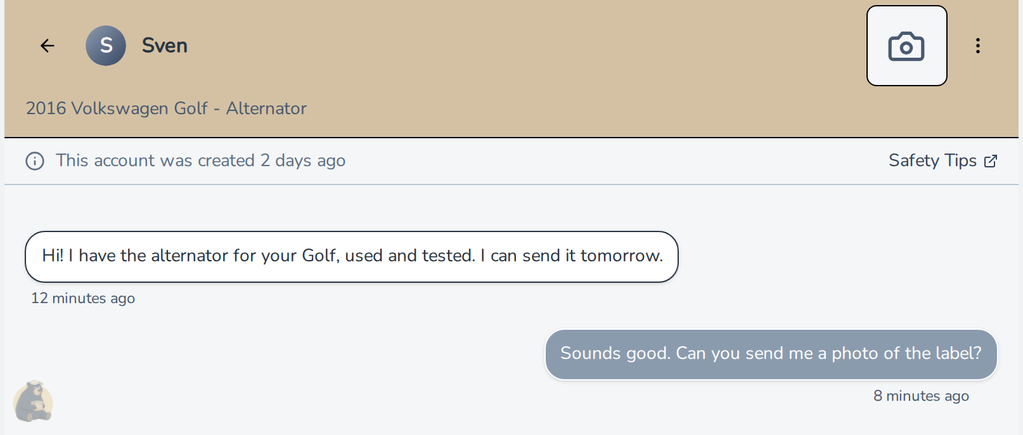
When the person you are chatting with created their account only recently, the chat now says so: "This account was created today", or a few days ago. Everybody starts somewhere, so a new account is no reason for alarm. It is one more piece of context when someone asks you to pay up front.
Found the Part? Close the Request From the Email
Before a request expires, hank mails you to ask whether you still need the part. That mail now has a link for the other answer too: you already found it. Follow it, pick a reason on a short confirmation page, done. The request stops showing to sellers right away, no login needed.
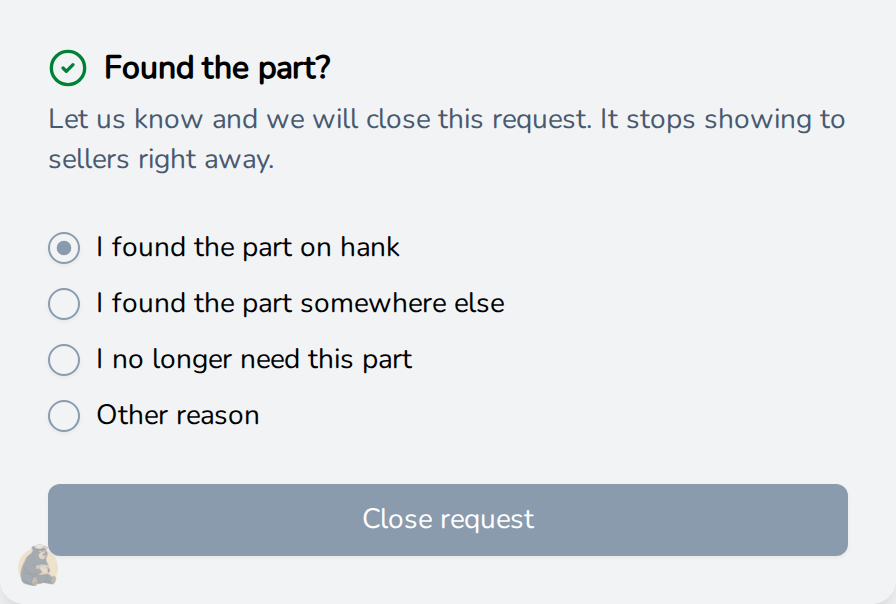
The confirmation page asks one thing: did you find it on hank, somewhere else, or do you simply no longer need it? If none of that fits, there is an option for other reasons. Your answer helps us see where hank works and where it does not yet.
A Help Form in Your Dashboard
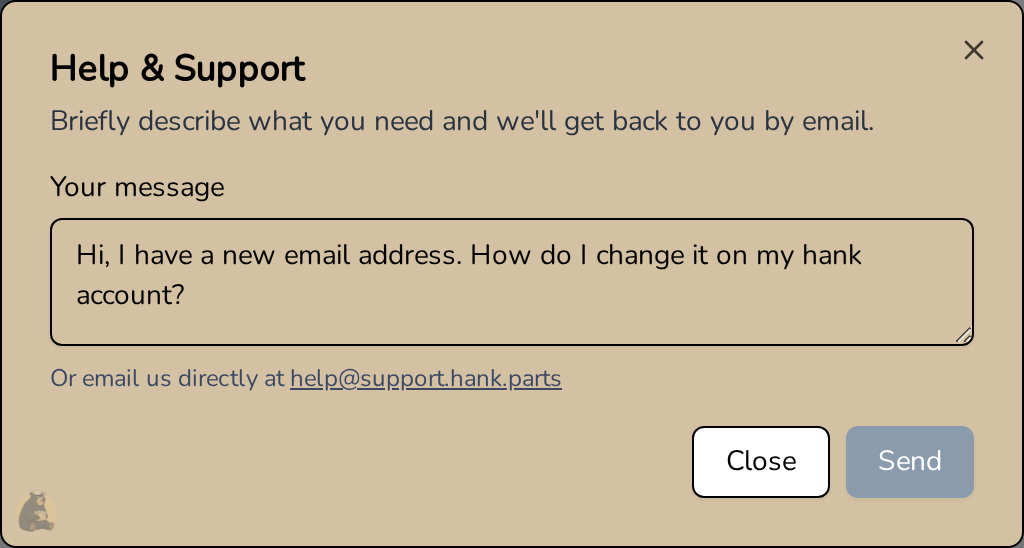
Questions about your account, a bug, an idea: Help & Support in your dashboard now opens a form. Write a few lines, hit send, and we answer by email. No need to look up our address first.
Codes From Clubs and Partners
Car clubs and partners can now get hank codes for their members. Redeem one in your settings and it unlocks extended limits. Depending on the code, that means more AI searches, a head start in the search queue and faster searches.
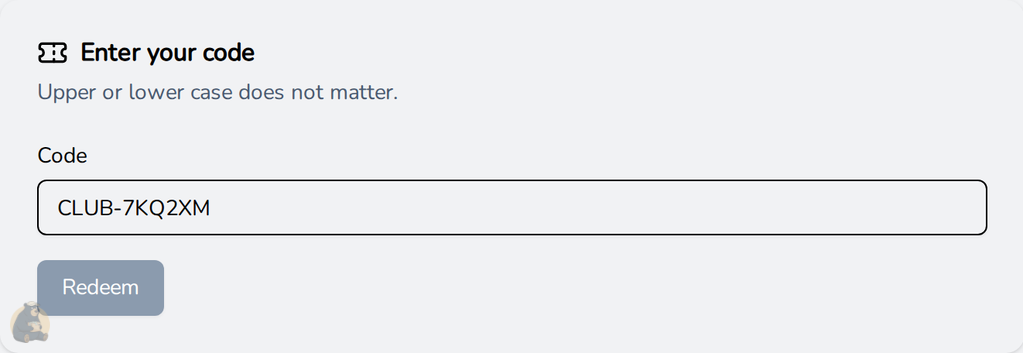
Upper or lower case does not matter, and your settings show which plan is active for you. Running a club and interested? Write to us through the help form.
Filing a Request Got Smoother
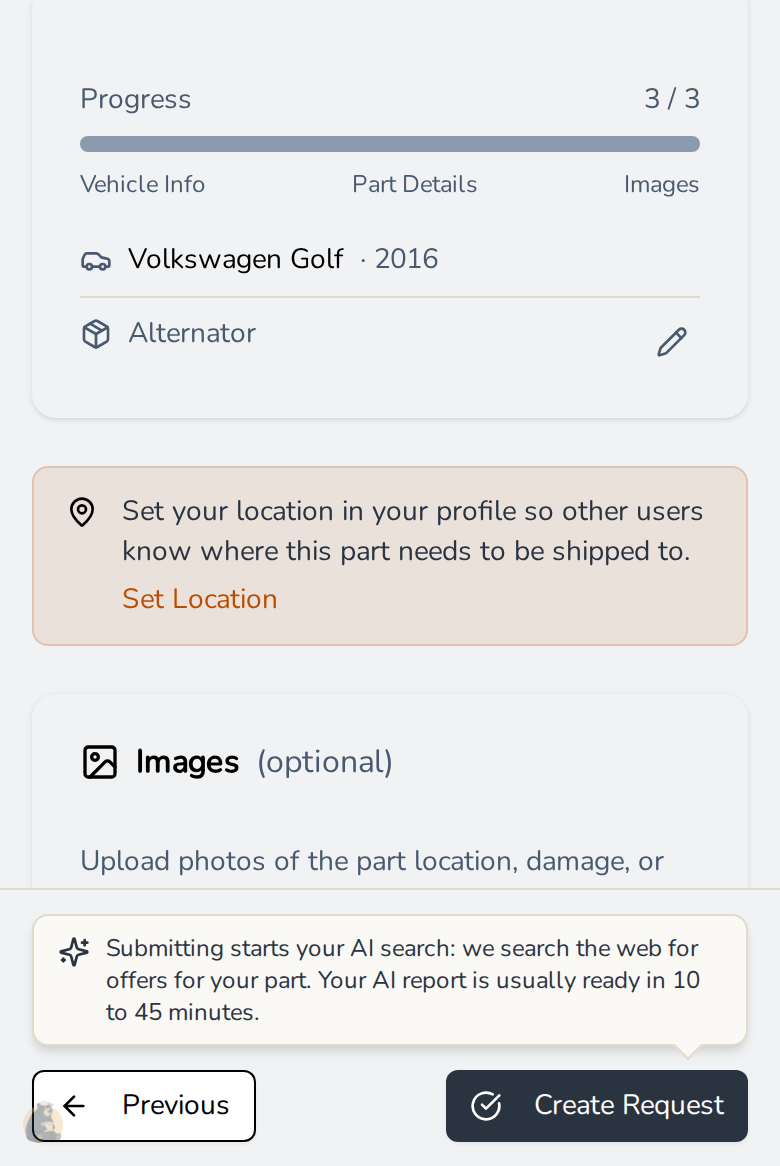
- Your input survives a detour. Leave the request form to set your location in your profile, or reload the page, and everything you entered is still there when you come back, photos included.
- You know what happens when you submit. On your first request, the last step tells you that submitting starts your AI search, and that the report is usually ready within 10 to 45 minutes.
- One part number per request. Start typing a part number on your first request and hank reminds you that the field takes one number. Need a second part with its own number? Simply file a second request.
- Navigation that stays put. The back and next buttons stick to the bottom of the screen on your phone, so they stay in reach without scrolling.
- One click less to register. When you start a request without an account, hank now takes you straight to registration with your request waiting for you.
A Better AI Search
- Marketplaces without a part number. Most requests come without a part number. hank now also searches the marketplaces it is directly connected to by keyword in those cases, and every result goes through the same checks as everything else, so a hit still has to fit your vehicle.
- More part numbers found. When hank looks up the part number for you, it now checks more catalogue variants and takes a few more steps before giving up. Numbers it discovers along the way also help rank the results.
- Cleaner shop results. Overview pages from large shop groups no longer show up as if they were a product, and results in other languages get translated by a stronger model.
Smaller Things
- Country names in your language: country and region pickers now show names in the language you use hank in, the Worldwide option included.
- A wider dashboard: the center column has more room on large screens.
- Every language reviewed: we went through all translations of hank by hand and fixed the wording that read off.
- New wiki pages: doors now have their own part pages with model-specific buying advice.
- Many small mobile fixes: dropdowns open on tap, part request cards keep their buttons reachable, and the keyboard no longer covers what you type.
Happy hanking!
Robert - hank team